
Homework module
Homework and Assignment Management Software
Set homework with attachments and a deadline, collect submissions from students, and review, grade and give feedback in the same place.
Set, submit, review · one place for the whole cycle
Homework carries its material and its deadline together.
Students and parents submit through the same system.
Teachers mark, comment and grade without a separate file.
What the homework module covers
The full cycle, from a teacher setting work to a graded submission.
Assignment
Classes and subjects are assigned to teachers, so each one sets work for the groups they actually teach.
Setting homework
Create homework with attachments and a deadline, visible to students and parents straight away.
Submission
Students and parents submit through the portal, with submission status visible to the teacher.
Review
Teachers review submissions, give feedback and record grades against the student record.
Why homework goes missing
Work set in a message thread has no deadline, no record of who submitted, and no place for feedback to live.
- Homework has a deadline attached rather than a date mentioned in passing.
- Study material travels with the assignment instead of being sent separately.
- Submission status is visible, so chasing is based on a list rather than memory.
- Feedback and grades stay with the student record, not in a teacher's notebook.
- Parents can see what has been set and what has been handed in.

Upload Assignments and Handouts Online
Foster a collaborative and modern learning environment for students and teachers.
- Allow teachers to upload lesson plans, study materials, and handouts for students to access anytime.
- Ensure all files are organized and accessible through a secure portal.
- Save time by reducing manual distribution efforts while promoting digital learning.
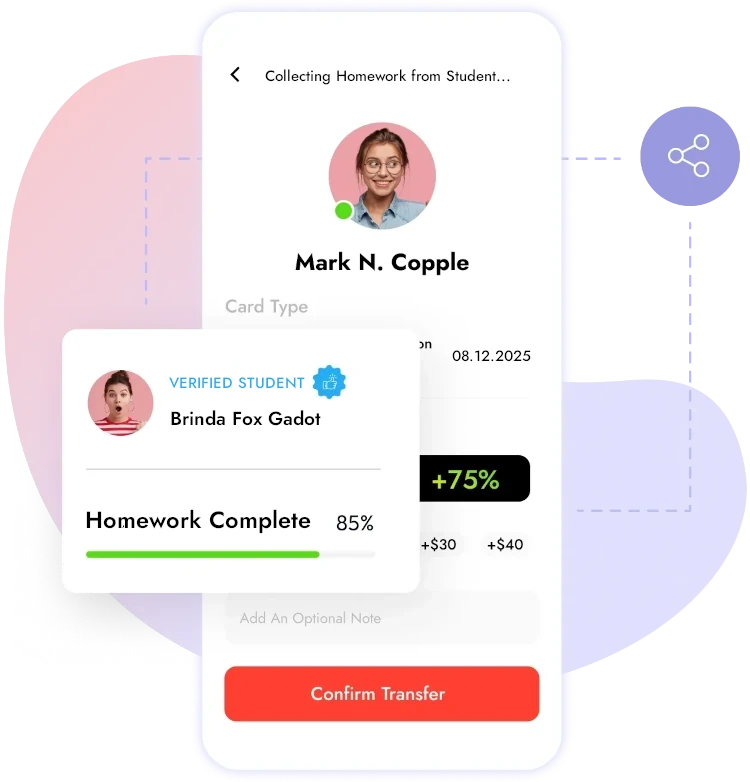
Collect Homework from Students Online
Empower students to submit assignments easily while simplifying review for teachers.
- Enable students to upload homework directly to the portal with deadlines in place.
- Organize submissions class-wise or subject-wise for quick access by educators.
- Allow teachers to give instant feedback or grades for homework submitted online.
- Build transparency in submission timelines for parents and administrators.
Why homework set in a chat thread disappears
Plenty of schools now set homework through a messaging group, because it is the fastest thing to hand. It works for one evening and fails over a term. A message has no deadline field, so “by Friday” is buried in a paragraph. It has no record of who responded, so chasing means scrolling. And when a teacher replies with feedback, that feedback lives in a thread nobody can find a month later.
The cost lands on three people at once. The teacher rebuilds a list of who has submitted. The student is unsure what is outstanding. The parent has no view at all unless they happen to be in the group. None of that is a discipline problem; it is a record-keeping problem wearing a discipline problem’s clothes.
What to check in a homework module
- Can homework carry attachments and a deadline, so the material and the instruction are one item?
- Is submission status visible at a glance, rather than reconstructed?
- Do feedback and grades attach to the submission and carry into the student record?
- Are classes and subjects assigned to teachers, so each sees only their own groups?
- Can parents see what has been set and what has been handed in?
Getting teachers to use it
Adoption rises or falls on how long it takes to set one piece of homework. If that is a single screen with an attachment and a date, teachers will use it; if it is five steps, they will go back to the group chat. Start with a couple of year groups rather than the whole school, and let the habit spread from teachers who found it faster rather than from a policy.
Homework appears to families through the learning portal, and grades feed performance and report cards.
Common questions
Can teachers attach files to homework?
Yes. Homework is created with attachments and a deadline, so the material and the instruction stay together.
Can parents see what has been set?
Yes. Homework is visible to students and parents through the learning portal.
How do teachers know who has submitted?
Submission status is shown against each assignment, so outstanding work is a list rather than a memory exercise.
Can teachers grade and give feedback here?
Yes. Review, feedback and grades are recorded against the submission and carry into the student record.
See homework set, submitted and graded
Book a demo and we will run an assignment through the full cycle with your classes and subjects.