
Introduction
Choosing a school ERP can be difficult.
There are many platforms available today, and most promise to simplify school administration, improve communication and bring different processes together.
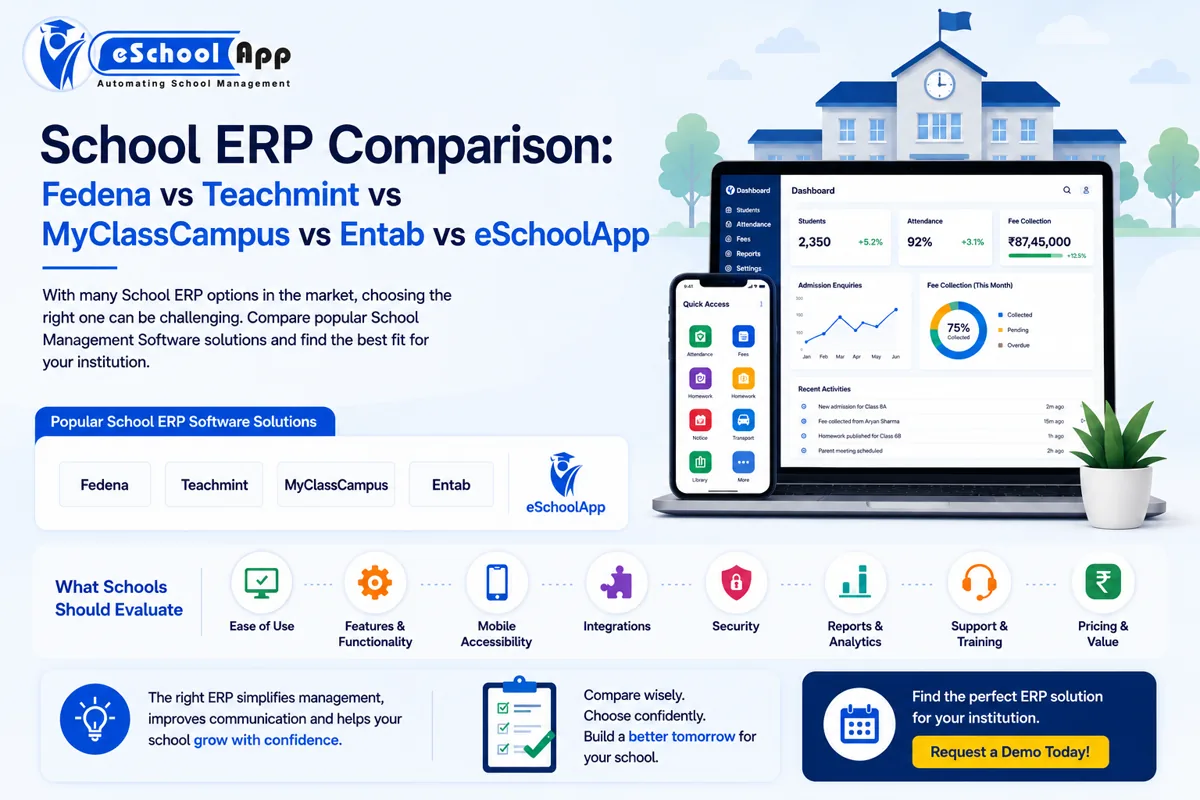
Among the names schools may come across are Fedena, Teachmint, MyClassCampus, Entab and eSchoolApp.
But comparing school ERP software is not as simple as creating a checklist of features and selecting the platform with the most ticks.
The right ERP for one school may not be the right ERP for another.
A school with one campus and 500 students may have very different requirements from a school group managing several campuses, thousands of students and multiple administrative teams.
That is why the better question is not “Which school ERP has the most features?” It is “Which school ERP is the best fit for our school’s workflows, users, budget and future plans?”
This guide looks at five school ERP options and, more importantly, explains what schools should compare before making a decision.
Note: Software features, plans, integrations and pricing can change over time. Schools should verify current details directly with each vendor before making a purchase decision.
On this page
- Why School ERP Comparison Is Important
- Fedena
- Teachmint
- MyClassCampus
- Entab
- eSchoolApp
- What Should Schools Compare?
- A Better Way to Evaluate School ERP Software
- School ERP Comparison Checklist
- Which School ERP Is Right for Your School?
- Should You Choose Based on Online Reviews?
- Questions to Ask Every ERP Vendor
- eSchoolApp vs Other School ERP Platforms
- Frequently Asked Questions
- Final Thoughts
Why School ERP Comparison Is Important
A school ERP is not just another software subscription.
It can become part of everyday work for school management, principals, teachers, administrators, accounts teams, transport teams, HR teams, students and parents.
That means the decision affects multiple users.
An administrator may care about admissions and fees, while a teacher may care more about attendance and homework. Parents may prioritize mobile access and communication, while school management may be more interested in reports, analytics and overall visibility.
A good comparison therefore needs to consider the whole school ecosystem.
Fedena
Fedena is one of the established names in the school and educational institution ERP market.
Schools researching ERP options may come across Fedena because of its broad approach to academic and administrative management.
Rather than focusing on one narrow function, the platform has historically covered multiple areas of institutional operations.
When considering Fedena, schools should look at ease of use for teachers and administrators, which modules are included in the selected plan, mobile experience, reporting and management visibility, integrations, customization requirements, implementation process, support and total cost of ownership.
The important point is to evaluate the current plan being offered to your school, rather than relying only on a general feature list.
Teachmint
Teachmint is another prominent education technology platform that schools may consider while evaluating digital school management solutions.
Its broader ecosystem has a strong connection with digital teaching and learning, making it relevant to schools looking at both educational technology and administrative workflows.
Ask:
- How well do administrative and academic workflows connect?
- Which ERP functions are available in the plan being considered?
- How strong is the mobile experience?
- What communication options are available?
- What does implementation involve?
- Which integrations are supported?
- What level of support is provided?
For schools looking for a combination of classroom technology and administration, this is an important area to explore during a demo.
MyClassCampus
MyClassCampus is another school management platform that appears on the shortlist of many institutions evaluating ERP options.
As with any ERP, schools should look beyond the product name and test the actual workflows that matter to them.
For example:
Can a new admission be processed easily?
Can teachers perform daily tasks quickly?
Can parents access important information from their phones?
Can management get the reports it needs without manual work?
These practical questions can reveal much more than a feature brochure.
Entab
Entab is another established name in the Indian school ERP and school management software market.
Schools evaluating Entab may be interested in its broad institutional-management approach.
However, a broad feature set should not automatically be treated as a better fit.
Schools should evaluate user experience, implementation requirements, configuration, reporting, parent and teacher access, integrations, support, scalability and overall cost.
For larger schools or groups, it is especially important to understand how the platform handles multiple campuses and centralized management.
eSchoolApp
eSchoolApp is a school management platform built around connected school operations.
Its product covers areas such as admissions and enquiries, student information, fees and online payments, attendance, timetable, homework and assignments, examinations and report cards, parent communication, teacher access, transport and GPS, library, inventory, staff and payroll, HR, e-learning, online classes, mobile applications and integrations.
The platform also supports areas such as biometric/RFID integration, GPS, communication services, payment gateways and API/integration requirements.
For schools evaluating eSchoolApp against another ERP, however, the same principle applies:
Do not compare feature names alone. Test the actual workflow.
What Should Schools Compare?
1. Ease of Use
A school ERP can have an impressive feature list and still fail if teachers and administrators find it difficult to use. Ask the vendor to demonstrate real tasks.
2. Features and Functionality
Evaluate functionality based on your school’s actual requirements. Create three categories: Must Have, Important and Nice to Have.
3. Mobile Accessibility
Ask what teachers, parents and administrators can actually do from the mobile apps and whether Android and iOS are supported.
4. Integrations
Consider payment gateways, biometric devices, RFID, GPS, website, WhatsApp, SMS, accounting tools and other educational systems.
5. Security and Data Management
Ask about user permissions, access control, backups, data protection, data export, hosting and recovery procedures.
6. Reports and Analytics
Ask whether the system provides useful visibility into admissions, attendance, fees, academics, staff, transport and other operations.
7. Support and Training
Ask about training, support channels, response times, escalation and onboarding.
8. Pricing and Overall Value
Compare total cost of ownership, including subscription, implementation, migration, training, apps, integrations, communication, customization, additional campuses and support.
A Better Way to Evaluate School ERP Software
Instead of listening to five different sales presentations, ask each vendor to demonstrate the same five workflows.
Workflow 1: New Admission
Enquiry → Registration → Documents → Admission → Student Profile
Workflow 2: Fee Collection
Fee Assignment → Payment → Receipt → Outstanding Amount → Parent Notification
Workflow 3: Attendance
Attendance → Absence → Parent Alert → Report
Workflow 4: Examination
Marks Entry → Result Processing → Report Card → Parent Access
Workflow 5: Management Reporting
Ask: “Show me what the principal can see at the end of the month.”
This approach creates a much more meaningful comparison than comparing marketing brochures.
School ERP Comparison Checklist
Evaluation area
What to check
Ease of use
Teacher, admin and parent experience
Features
Match against actual requirements
Mobile
Parent, teacher and admin capabilities
Integrations
Existing systems and devices
Security
Access, backups and data controls
Reporting
Management dashboards and reports
Support
Training, response and escalation
Pricing
Total cost of ownership
Scalability
Future student and campus growth
Migration
Ability to move existing data
This framework keeps the comparison neutral and focused on what actually matters to your school.
Which School ERP Is Right for Your School?
There is no universal winner.
Different schools have different priorities.
A school focused on broad ERP functionality may prioritize the depth and breadth of modules.
A school focused strongly on teaching technology may give greater weight to learning, classroom and digital teaching capabilities.
A growing school group may prioritize multi-campus management, centralized reporting and scalability.
A school looking for an integrated platform may place more importance on connecting admissions, fees, academics, communication and operations in one system.
The best ERP is therefore the one that matches your school’s current needs and future direction.
Should You Choose Based on Online Reviews?
Reviews can be helpful, but they should not make the decision for you.
A school ERP may receive mixed reviews simply because different institutions have different expectations.
Instead of asking “Is this software rated well?” ask “Can this software solve our specific problems?”
Then request a live demonstration. Even better, involve the people who will actually use the system.
Questions to Ask Every ERP Vendor
About the product:
- Which modules are included?
- Which modules cost extra?
- Can modules be added later?
- Can workflows be customized?
About implementation:
- How long will implementation take?
- Who handles data migration?
- Is training included?
- What happens during the transition?
About integrations:
- Can we connect our payment gateway?
- Can biometric or RFID systems be integrated?
- Can GPS devices be connected?
- Are APIs available?
About pricing:
- Is pricing based on students?
- Is it per school or campus?
- Are mobile apps included?
- Are communication charges separate?
- Are integrations charged separately?
About data:
- Can we export our data?
- What happens if we leave the platform?
- How are backups managed?
eSchoolApp vs Other School ERP Platforms
eSchoolApp is designed to bring multiple school functions together in one platform, including academics, administration, fees, communication and operational management.
The important distinction, however, should not be “eSchoolApp has more features.”
A more useful positioning is:
“Does eSchoolApp fit the way your school actually works?”
That is something schools can evaluate directly through a demo.
For example, a school can test its current processes around admissions, fees, attendance, examination management, communication, transport and reporting.
If those workflows are simpler and more connected, the platform may be a better operational fit.
Frequently Asked Questions
Which is the best school ERP in India?
There is no single school ERP that is best for every institution. The right choice depends on your school’s size, workflows, budget, integrations, user requirements and growth plans.
Is Fedena better than eSchoolApp?
There is no universal answer. Both should be evaluated against your school’s specific requirements, workflow complexity, pricing, support and implementation needs.
Is Teachmint only for online teaching?
Teachmint has a broader education technology offering, so schools evaluating it should look at both its teaching/learning capabilities and the administrative workflows relevant to their institution.
What should schools compare before buying ERP software?
The most important areas are ease of use, functionality, mobile access, integrations, security, reporting, support, pricing and scalability.
Should schools compare ERP software only by features?
No. Two platforms may offer a similar feature but provide very different user experiences. Schools should test complete workflows rather than comparing feature names alone.
How many ERP vendors should a school shortlist?
A practical approach is to shortlist around three to five platforms, then run comparable demonstrations using the school’s actual workflows.
Final Thoughts
Comparing school ERP software is not about finding the platform with the longest feature list.
It is about finding the system that helps your school work better.
Fedena, Teachmint, MyClassCampus, Entab and eSchoolApp are among the solutions a school may consider, but the final choice should come from a structured evaluation of workflow, usability, integrations, security, support, pricing and future requirements.
Before making a decision, ask every vendor to demonstrate the same real-life scenarios.
The right school ERP should not simply digitize what your school already does.
It should make the work easier.
Thinking about changing or upgrading your school ERP?
Book an eSchoolApp Demo: https://eschoolapp.com/contact/
Developer Publishing Notes
- Use the suggested URL as the preferred slug unless the existing site structure requires a different one.
- Set the supplied meta title and meta description in the SEO plugin/CMS.
- Use the supplied hero image as the featured image.
- Keep the H1 as the article title and preserve the H2/H3 hierarchy.
- For the competitor comparison article, retain the informational disclaimer and avoid adding unverified feature or pricing claims.
- Open external links in the normal site-approved manner and use appropriate rel attributes where applicable.