
Introduction
A school parent portal is useful only when families make it part of their routine. When parents continue calling the school office for homework, attendance updates or examination results, the school ends up maintaining a digital system alongside its existing manual processes.
The difficulty is not always a lack of interest among parents. Some families struggle with login credentials, while others are unsure where to find information or see little reason to open another application on their phones.
School administrators need to treat parent adoption as an operational responsibility rather than a software installation task. Giving families a clear reason to log in, keeping information current and providing dependable support are sensible starting points.
On this page
- Understanding Why Parents Do Not Log In
- Making the First Login Easier
- Giving Families a Reason to Return
- Supporting Parents With Different Digital Needs
- Measuring Adoption and Assigning Responsibility
- How eSchoolApp Parent Access Can Be Evaluated
- Frequently Asked Questions
- Final Thoughts
Understanding Why Parents Do Not Log In
Schools should identify what prevents parents from using the portal before sending repeated reminders. A parent who cannot access an account needs a different response from someone who prefers receiving information through WhatsApp.
During routine conversations, front-office staff can ask parents whether they have tried logging in and what happened when they did. Class teachers can also share common difficulties noticed during parent-teacher meetings.
Look for practical obstacles such as:
- Missing or forgotten login credentials.
- Incorrect mobile numbers in school records.
- Difficulty finding homework or examination results.
- Information that is outdated or incomplete.
- Confusion about accessing records for siblings.
- Limited familiarity with digital applications.
Schools should document these problems rather than treating every inactive account as evidence of unwillingness. The findings can guide staff training, parent orientation and discussions with the software provider.
Making the First Login Easier
The first login should be part of the school’s admission or academic session onboarding process. Sharing access instructions without checking whether parents can follow them leaves an important task unfinished.
Prepare a short welcome message explaining where to access the portal, how to sign in and whom to contact if something goes wrong. Screenshots and simple instructions in a language familiar to parents can make the process easier.
During orientation, demonstrate how a parent can find homework, check attendance and locate the class timetable. Use a demonstration account instead of displaying another student’s personal information.
For families struggling to access their accounts, arrange assistance through the school office or during scheduled parent meetings. Staff should follow an identity verification process before helping with account recovery and should never ask parents to share their passwords.
The objective is to help families complete a useful activity during their first visit, not merely confirm that an account exists.
Giving Families a Reason to Return
Parents are more likely to revisit a portal when it answers questions that arise during the school week. Information must be sufficiently current and relevant to make checking it worthwhile.
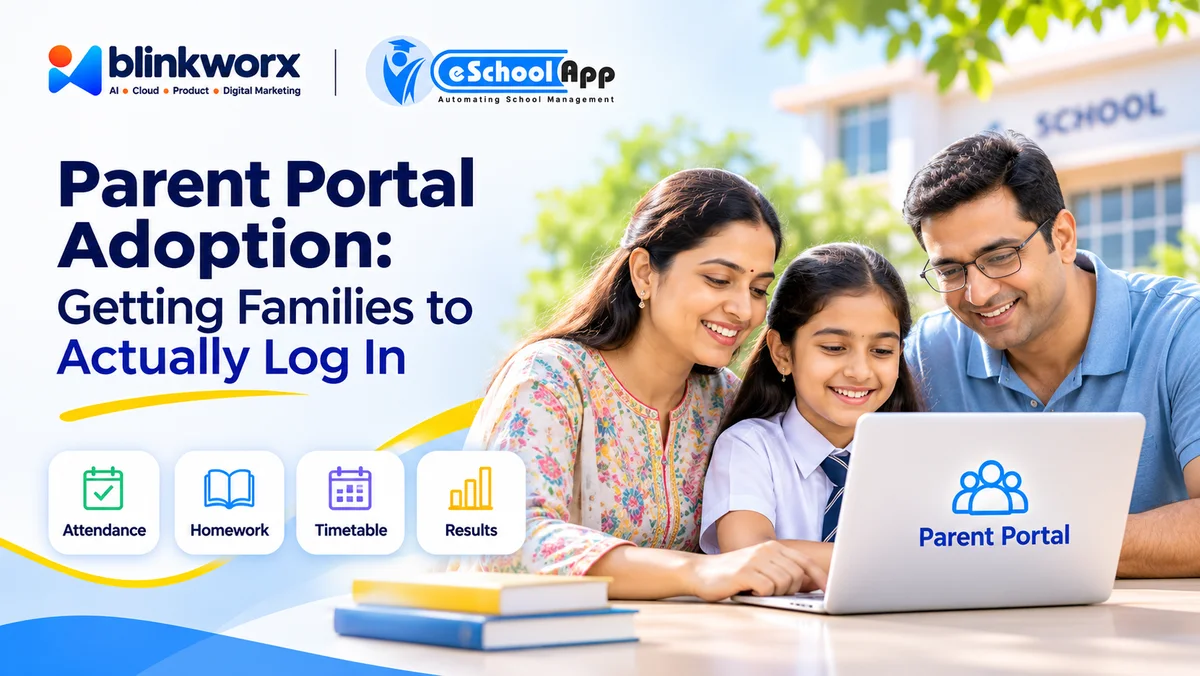
Start with familiar activities such as reviewing homework, checking attendance, consulting the timetable and viewing published results. These are natural reasons for parents to engage without requiring the school to introduce artificial incentives.
Consistency matters more than the quantity of information published. If teachers occasionally upload homework but regularly distribute it through separate groups, parents may stop checking the portal altogether.
School leadership should agree on which information belongs in the portal and communicate this clearly to families. WhatsApp or SMS can serve as reminders where appropriate, while the portal can be positioned as the reference point for academic information.
Urgent announcements should still reach families through suitable alternative channels. Portal adoption must not become a reason for parents to miss important information concerning their children.
Supporting Parents With Different Digital Needs
Not every family has the same access to smartphones, internet connectivity or digital assistance. Some parents share devices with other household members, while others may depend on a family member to help them navigate online services.
Schools should avoid designing their entire communication process around digitally confident parents. Offer guidance in English, Hindi or relevant regional languages according to the needs of the school community.
Printed instructions at the reception desk and demonstrations during parent-teacher meetings can complement digital guidance. Make sure parents know how to obtain help without having to approach several staff members.
Schools should also establish procedures for updating contact details and handling access for different authorised guardians. Where family circumstances require restricted access, staff must follow the school’s safeguarding and privacy procedures.
Alternative arrangements should remain available for families facing genuine access difficulties. Encouraging portal use and maintaining inclusive communication are compatible goals.
Measuring Adoption and Assigning Responsibility
A school should distinguish between distributing login credentials and achieving meaningful parent engagement. An account that has been activated does not necessarily represent regular use.
Administrators can review indicators such as completed first logins, recurring access, unresolved login complaints and requests for information already available online. Ask the software provider which usage indicators are available and maintain a separate support register where necessary.
Review adoption by class or section to identify areas requiring additional assistance. Avoid publicly comparing individual families or treating limited usage as a disciplinary matter.
Assign ownership clearly. The front office can coordinate account assistance, teachers can maintain academic information and administrators can review recurring difficulties.
Include adoption in routine administrative meetings. Discuss whether families are receiving useful information, whether staff are following agreed publishing practices and whether support requests are being resolved.
How eSchoolApp Parent Access Can Be Evaluated
When evaluating eSchoolApp, schools can examine its Learning Portal and Online Learning offering, where families can see homework, attendance, timetable and results in one place.
Ask for a demonstration from a parent’s perspective using a smartphone similar to those commonly used by your school community. Observe how easily a parent can locate each type of information without assistance.
eSchoolApp uses a shared student record across modules. During the demonstration, request a correction to a demonstration student’s details and check whether the updated information appears consistently wherever that detail is used.
WhatsApp and SMS integrations are available. Schools considering reminders should ask which messages can be configured, how recipients are selected and what happens when a parent’s registered contact information changes.
Before deciding, involve front-office staff, teachers and a small group of willing parents in the evaluation. Record their difficulties and clarify account recovery, guardian permissions and usage reporting requirements with the provider rather than assuming these capabilities are included.
Frequently Asked Questions
Why do parents stop using a school portal after registration?
Common reasons include forgotten credentials, outdated information and uncertainty about where to find updates. Schools should investigate these barriers before deciding how to improve engagement.
Should schools stop sending WhatsApp messages to encourage portal usage?
Not necessarily. Messaging can complement the portal, particularly for reminders and urgent announcements. Schools should define which communication channel serves each purpose.
How can schools help parents who are uncomfortable with technology?
Provide simple instructions, practical demonstrations and a designated support contact. Offer alternative communication arrangements where families cannot reasonably access digital services.
Who should manage parent portal adoption in a school?
An administrator should coordinate the initiative, with front-office staff handling access assistance and teachers maintaining academic information. Clear ownership helps prevent recurring problems from being overlooked.
How can a principal know whether parents are using the portal regularly?
Ask the software provider about available usage reports. Combine any available activity information with parent feedback, support records and observations from teachers.
Should both parents receive access to their child’s information?
Schools should establish access arrangements according to authorised guardian details and their safeguarding policies. Confirm with the software provider how separate guardian access and restrictions can be handled.
Final Thoughts
Parent adoption begins with usefulness. Families need a reliable place to find information and clear instructions for accessing it.
Schools also need consistent publishing practices and staff who understand their responsibilities. Repeated reminders cannot compensate for missing information or unresolved login problems.
Review adoption regularly and listen to families who experience difficulties. Improvements should address genuine barriers without excluding parents who require alternative communication arrangements.
For schools reviewing how families access academic information, the school parent portal is a relevant starting point for evaluation.