
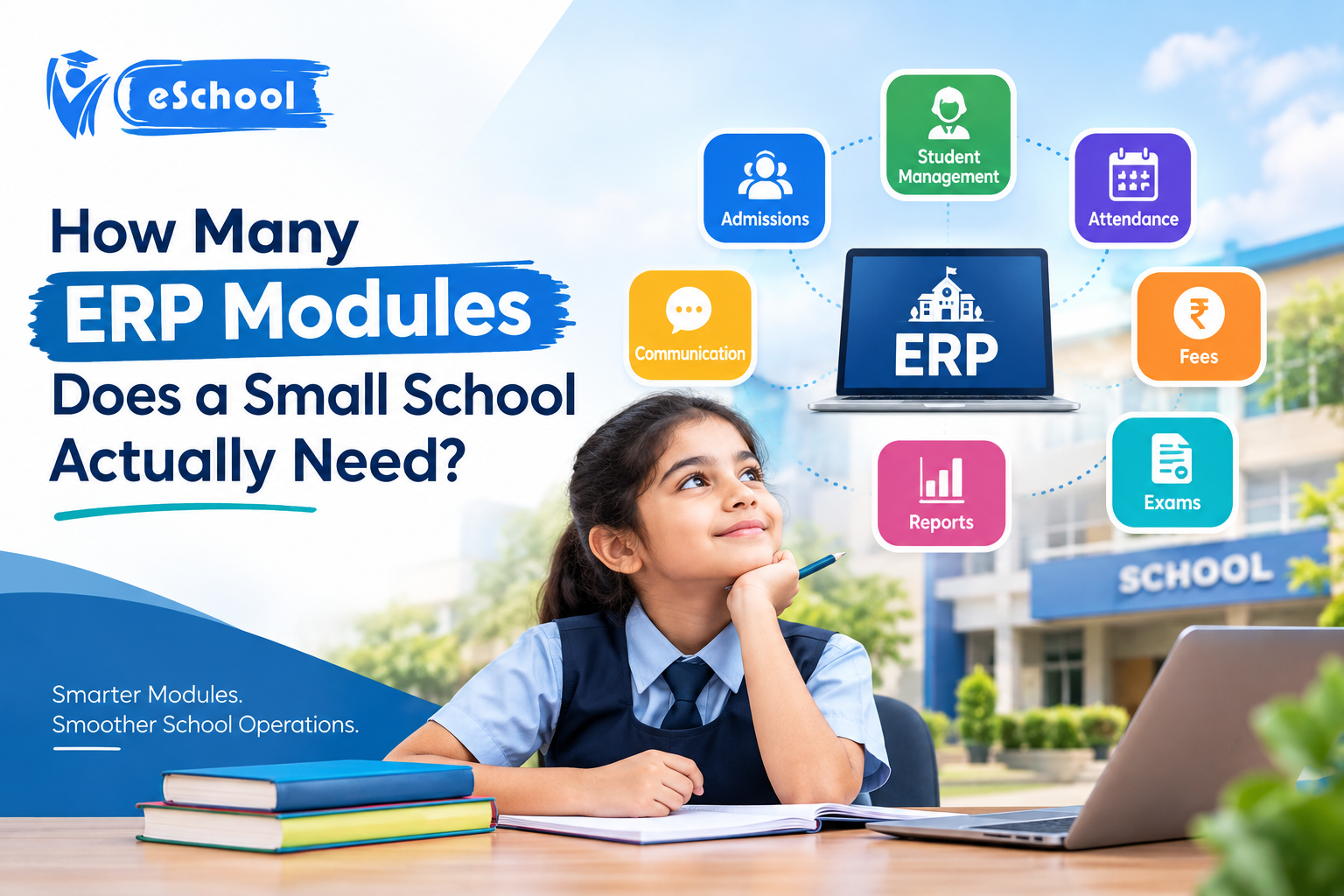
Managing everything with spreadsheets, notes, WhatsApp messaging, and separate software may get challenging as a school grows. Proper management is required for student information, attendance, fees, tests, correspondence, staff records, and everyday school operations.
ERP modules can be useful in this situation.
However, is every ERP package on the market truly necessary for a small school?
No. Dozens of ERP modules are typically not necessary for a small school. For its everyday tasks, it requires the appropriate components.
Instead of forcing the school team to master a complex system with capabilities they never use, a school ERP should make work easier.
The sections pertaining to student management, attendance, fees, exams, communication, staff management, and reports are typically the most helpful for small schools.
Author: Eschoolapp Team
What Are ERP Modules?
ERP modules are distinct parts of an ERP system that help a company handle particular kinds of tasks.
For instance, an inventory module handles supplies and stock, whereas a finance module oversees financial operations.
An ERP can combine various operations into a single system rather than requiring separate software for each task.
Typical ERP module lists could consist of:
- Money
- Human resources
- Sales, Inventory, Manufacturing, and Purchasing
- Management of customers
- Reporting
- Management of projects
- But not every organization requires every module.
While a school requires modules centered on children, teachers, fees, attendance, and communication, a manufacturing corporation might require production and inventory features.
How Many ERP Modules Does a Small School Need?
There isn’t a single figure that applies to all schools.
However, depending on its size, procedures, and needs, a small school can typically begin with six to eight fundamental modules.
The most beneficial modules may consist of:
- Management of Students
- Management of Attendance
- Management of Fees
- Management of Examinations
- Staff Management and Parent Communication
- Management of Timetables
- Analytics and Reports
Modules for transportation, the library, admissions, homework, and inventory may also be required by some schools.
It’s crucial to select modules based on the real demands of the school rather than the quantity of features that an ERP provider lists.
1. Student Management Module
One of the most crucial components of a school’s ERP should be student management.
Important student data can be stored in one location with this module.
It could consist of:
- Name of the student
- Details of admission
- Section and class
- Details about parents
- Contact information
- Academic data
- Student records
- Records of attendance
- Details about fees
School personnel can obtain the necessary data from a single system rather than looking through numerous files.
This can cut down on physical labor and save time for a small school.
2. Module for Attendance Management
Daily attendance tracking is a standard educational procedure.
Teachers can digitally record and manage student attendance with the use of an attendance module.
Depending on the program, educational institutions could be able to:
- Note your everyday attendance.
- View the records of attendance
- Keep track of absences
- Create reports on attendance
- Give parents access to attendance data.
Teachers and administrators can now more easily keep track of attendance without having to keep bulky registers.
3. Module for Fee Management
Manually handling school expenses can get complicated.
A module for fee management can assist schools in monitoring:
- Fee schedules
- Payments
- Outstanding fees
- Discounts and Receipts
- History of payments
- Fee reports
When the system offers digital payment methods, receipts, reminders, or payment details, parents can also benefit.
Because it links student data with financial records, this can be one of the most helpful ERP tools for a small school.
4. Module for Exam Management
Tests, exams, assessments, and other evaluations are routinely administered in schools.
An exam module can assist in managing:
Exam timetables
Marks for Subjects
Grades and report cards
Student outcomes
Reports on performance
Administrators can produce reports more quickly, and teachers can digitally enter grades.
This lessens the amount of repetitive paperwork and facilitates the management of academic records.
5. Module for Parent Communication
Effective communication is crucial between parents and schools.
An ERP for schools can serve as a focal point for communication.
Depending on the system, schools could utilize it for:
- Declarations
- Notifications
- Updates on attendance
- Reminders for fees
- Exam details
- Updates on homework
- Occurrences
- Crucial messages for schools
Schools may handle critical information using a single platform rather than relying on several communication methods.
6. Module for Staff Management
Teachers and other staff members must also be managed in small schools.
A staff management module can assist in keeping track of data like:
Profiles of employees
Departments
Participation
Records of leave
Details of the work
Records
Payroll and HR functions might also be included in some systems.
A small school should, however, select these characteristics based on its real needs.
7. Module for Timetable Management
It might take a lot of effort to create a school schedule, particularly when professors are in charge of several classes.
A timetable module can assist educational institutions in planning:
Classes
Teachers, Subjects, Periods, and Rooms
Weekly timetables
Teachers and students may find it simpler to review their timetables using a digital timetable.
8. Analytics and Reports
School administrators can better comprehend what’s going on in the school thanks to reports.
Reports that are helpful could include:
Reports on attendance
Reports on fee collecting
Reports on pending fees
Reports from exams
Reports on student performance
Employee reports
Simple and practical reports are typically more effective for small schools than intricate dashboards with plenty of data.
Does a Small School Need an Inventory Module in ERP?
An ERP inventory module aids in the management of tangible goods and inventory.
For a school, these could consist of:
- Books
- Lab equipment, stationery, and uniforms
- Sports gear
- Accessories for computers
- Resources for the classroom
If a small school has relatively little goods, it might not require a separate inventory system.
However, an inventory module might be helpful if the school buys and distributes materials on a regular basis.
The choice should be based on the real inventory requirements of the institution.
Does a School Need a Finance Module in ERP?
Financial activities including income, expenses, payments, accounts, and financial reporting are managed by an ERP finance module.
Certain financial characteristics can be helpful to a school, particularly for managing:
- Fees for students
- Costs
- Payments and Receipts
- Financial statements
Schools should, however, verify if the necessary accounting and charge functionalities are already included in their school ERP.
A major enterprise-level finance system is not always necessary for a small school.
What About SAP ERP Modules?
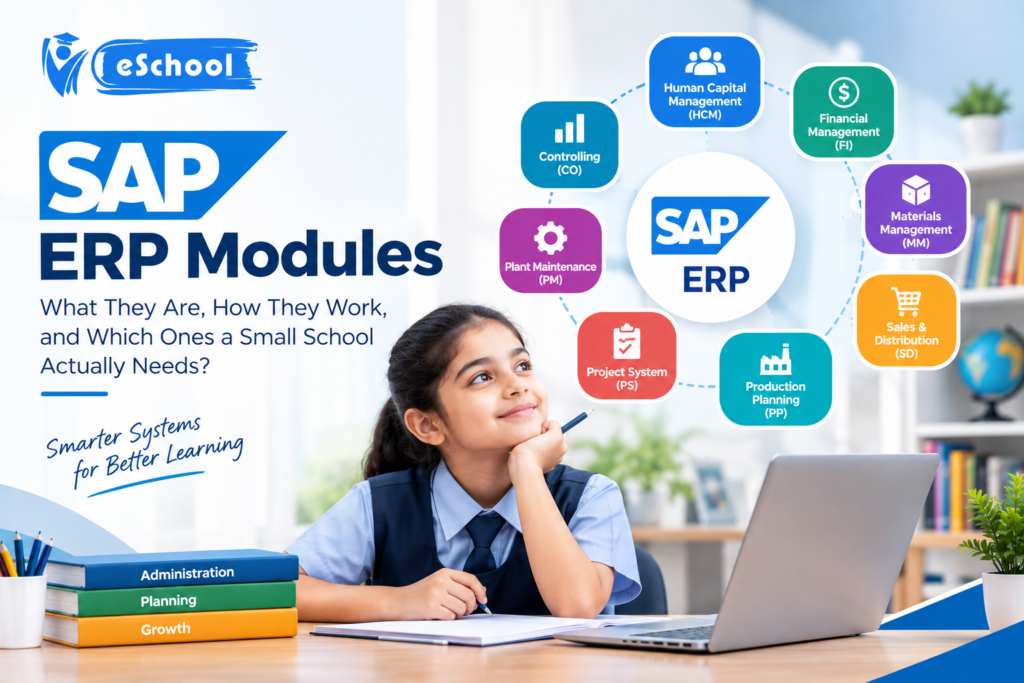
You can encounter SAP ERP modules when looking for ERP software.
Many businesses utilize SAP, an enterprise software platform, to handle various company operations. Finance, procurement, human resources, supply chain, and other corporate operations can all be included in its ERP environment.
Typically, these systems are made to meet a wide range of company needs.
However, a small school shouldn’t select software just because it contains a lot of enterprise ERP modules.
Schools have varying criteria.
Software that supports students, teachers, parents, classes, attendance, fees, tests, and communication is necessary for a school.
The appropriate query is not:
“How many ERP modules does this software have?”
The more appropriate query is:
“Does this ERP have the modules my school actually needs?”
Does a School Need Manufacturing ERP Modules?
No, usually.
ERP modules for manufacturing are made for companies that manufacture tangible things.
They could oversee tasks like:
- Planning for production
- Unprocessed materials
- Orders for manufacturing
- Procedures for production
- Chains of supply
- Completed products
While manufacturing companies can benefit from these capabilities, small schools typically do not need them.
This is an excellent illustration of why schools shouldn’t pay for services they won’t utilize.
What Is ERP Business Software?
ERP Business Software is a system that unifies many business operations on a single platform.
ERP software, for instance, could be used by a business to handle purchasing, sales, personnel, inventory, and finance.
A school’s needs are diverse, but it also serves different purposes.
Therefore, rather than just replicating a general company ERP, a school-focused ERP should be built around education-related tasks.
ERP Software Examples: What Should Schools Look For?
ERP software examples include both platforms with a focus on education and general company ERP systems.
Schools should compare software rather than only choosing it based on its brand name:
- Qualities
- Usefulness
- Student supervision
- Presence
- Managing fees
- Exam instruments
- Parental dialog
- Accounts
- Support, pricing, scalability, and mobile access
An intuitive education ERP is frequently more useful for small schools than an intricate enterprise platform.
How Can EschoolApp Help a Small School?
With school administration requirements in mind.
Instead of storing data across numerous spreadsheets, registers, and programs, a school administration platform can assist in consolidating crucial school activities into a single digital system.
Making daily tasks easier should be the main priority for a small school.
School administrators might choose software that can efficiently manage the most time-consuming tasks rather than investing in every module.
The ideal school ERP should support educators, administrators, parents, and students rather than add to their workload.
How Should a Small School Choose ERP Modules?
A list of everyday school activities
Step 1: Jot down the daily tasks that employees complete.
For example:
- Keeping track of attendance
- Receiving fees
- Keeping track of student information
- Speaking with parents
Getting ready for tests
Step 2: Determine the Most Serious Issues
Determine which tasks are the most time-consuming or error-prone.
Step 3: Choose Crucial Modules
Select modules that address those issues directly.
Step 4: Evaluate Usability
Without complex training, teachers and workers should be able to comprehend the system.
Step 5: Examine Upcoming Needs
The ERP should enable the addition of new modules as needed because the school might expand in the future.
What Are the Benefits of Using the Right ERP Modules?
might have a number of advantages.
Reduced Manual Labor
Repetitive paperwork can be decreased with digital records.
Improved Organization
It is possible to keep important data in one location.
Quicker Information Access
Employees can locate student and school information faster.
Improved Communication with Parents
Important school updates can be sent to parents via digital methods.
Simpler Tracking of Fees
Schools are better able to keep an eye on payments and outstanding fees.
Improved Reports
Without having to manually combine data from many files, administrators may create helpful reports.
Space for Growth
As their needs grow, schools can add new features with a modular ERP.
Final Thoughts
The longest list of ERP modules is not necessary for a small school.
It needs a system that addresses its actual issues.
Start with the fundamentals: staff, schedules, reports, attendance, fees, exams, communication, and student management. When the school truly needs them, further modules can be added.
Always keep in mind that more modules do not always equate to better software, whether you are comparing SAP ERP modules, an ERP inventory module, financial capabilities, or various ERP software examples.
The ideal ERP is one that is easy to use for educators, helpful for administrators, practical for parents, and adaptable enough to accommodate the school’s future expansion.
Taken into consideration as part of the assessment process for small schools seeking a school-focused digital management solution.
What Schools Say About EschoolApp
Got Much Easier”
“EschoolApp has made it easier for us to centralize student records, attendance, payments, and other everyday tasks. It has greatly simplified the management of our school.
— Administrator of the School
“Easy to Use for Staff and Teachers”
“Our teachers found EschoolApp easy to use and comprehend. We devote more time to students and less time to paperwork management.
— Coordinator of the School
“Improved Parental Communication”
We can now communicate crucial updates and information to parents more easily thanks to EschoolApp. It has facilitated better communication between families and the school.
The management team of the school
“Helpful for Regular School Activities”
Our everyday work is now better structured thanks to the management of school information from a single platform. EschoolApp gives us the resources we require without complicating the procedure.
— Administrator of the School
Frequently Asked Questions:
𝐖𝐡𝐢𝐜𝐡 𝐄𝐑𝐏 𝐈𝐬 𝐁𝐞𝐭𝐭𝐞𝐫 𝐓𝐡𝐚𝐧 𝐒𝐀𝐏?
For every organization, SAP is the best ERP. The organization’s size, budget, industry, and business requirements determine which ERP is best. A school-focused ERP might suit educational institutions better than a large-company ERP.
𝐖𝐡𝐚𝐭 𝐀𝐫𝐞 𝐭𝐡𝐞 𝐊𝐞𝐲 𝐅𝐞𝐚𝐭𝐮𝐫𝐞𝐬 𝐨𝐟 𝐚𝐧 𝐄𝐑𝐏 𝐒𝐲𝐬𝐭𝐞𝐦?
Data management, finance, reporting, inventory, employee management, workflow automation, and communication are important ERP elements. Additionally, student management, attendance, fees, exams, and parent communication may be included in school ERP systems.
𝐇𝐨𝐰 𝐌𝐚𝐧𝐲 𝐌𝐨𝐝𝐮𝐥𝐞𝐬 𝐀𝐫𝐞 𝐢𝐧 𝐒𝐀𝐏 𝐄𝐑𝐏?
Finance, personnel resources, procurement, sales, supply chain, and manufacturing are just a few of the domains that SAP ERP may cover. The organization and its business needs determine which modules are employed.
𝐖𝐡𝐚𝐭 𝐃𝐨𝐞𝐬 𝐄𝐑𝐏 𝐒𝐭𝐚𝐧𝐝 𝐅𝐨𝐫?
Enterprise Resource Planning is what ERP stands for. It is software that uses an integrated system to assist a company in managing various processes and data.
𝐖𝐡𝐚𝐭 𝐃𝐨𝐞𝐬 𝐄𝐑𝐏 𝐌𝐞𝐚𝐧?
Enterprise Resource Planning is referred to as ERP. It refers to software that unifies various business processes so a company can more effectively manage its data and day-to-day operations.