
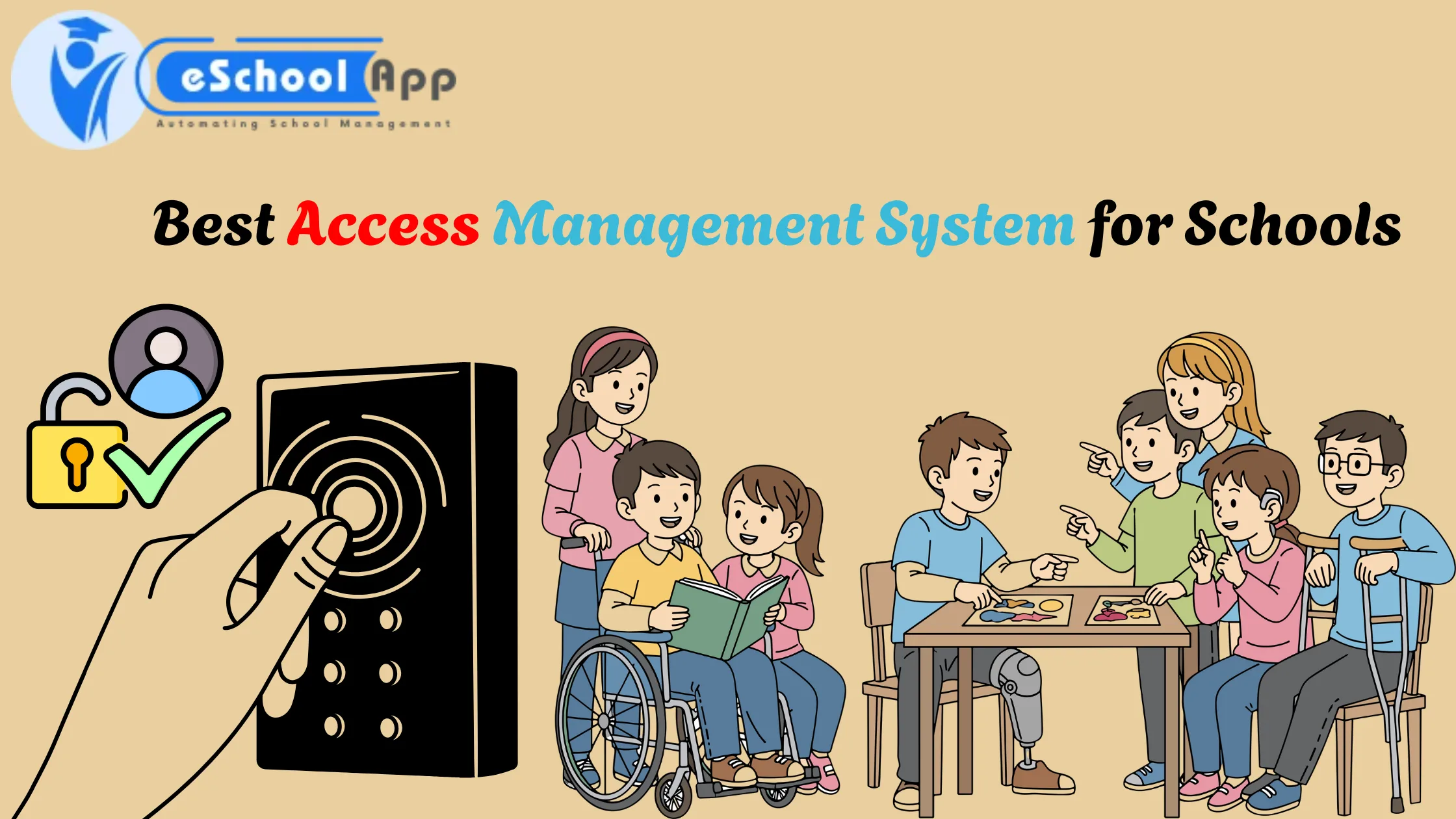
An access management system helps schools regulate access for users and protect digital information. It ensures that teachers and students, as well as parents and administrators, have access to the appropriate information according to their roles. Identity access management checks the identity of users prior to giving access. The year 2026 is when schools require safe and user-friendly systems, such as eSchoolApp, that provide role-based access, security, and simple control. This helps make school operations more secure, quicker, and more efficient.
Author: Aarush Arora, a content writer
What Is an Access Management System?
An access management system is a device that regulates who can log in to the school’s electronic systems. It chooses which users can view, edit, or manage information.
For instance:
- Teachers can see the students’ grades
- Students are able to view their homework assignments.
- A parent can view the attendance of their child.
- Administrators can oversee the entire system.
This system ensures that nobody is able to see information that they shouldn’t see. It’s also referred to by the name of user access management or identity access management.
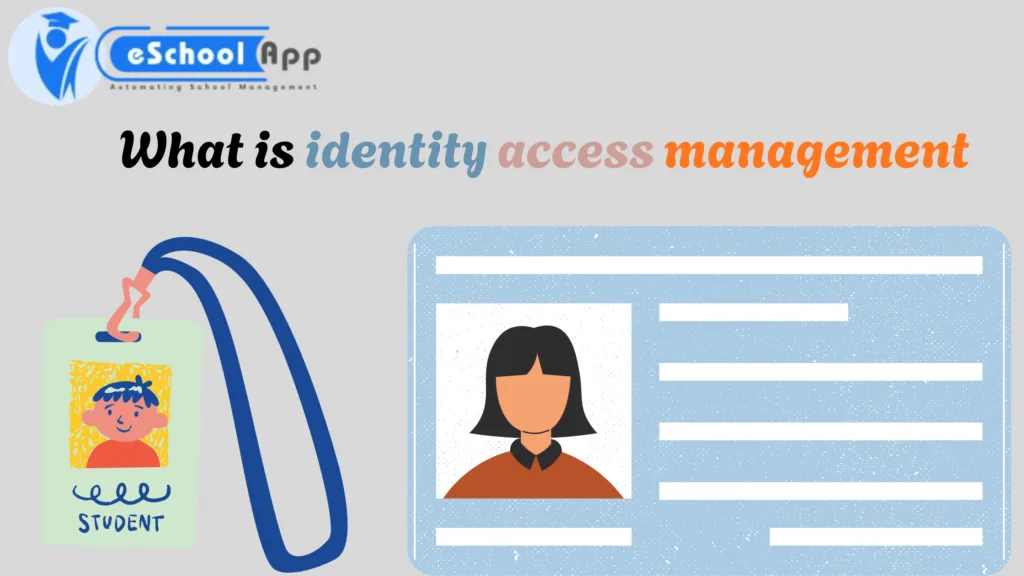
What Is Identity Access Management?
Many people wonder, what is identity access management?
Identity Access Management (IAM) is an aspect that manages access. It determines the identity of the user before granting access. It validates identity by using:
- User ID
- Password
- Role (student or teacher, administrator)
Once the identity is verified, the system then allows access to the data or denies access. This keeps the school’s data safe.
Why Do Schools Need an Access Management System?
Schools manage a variety of sensitive data, such as students’ records, exam results, fees, and personal information. If access controls are not in place, the data could be used to gain access.
Here’s the reason why schools require an Access Management System:
1. Guard the Student Data
Students’ data is confidential. Access management makes sure only authorized users have access to it.
2. Reduce Human Errors
When access is automatically controlled, errors like granting incorrect access are minimized.
3. Save Time
Administrators don’t need to manage the permissions of every user manually.
4. Make improvements to digital safety.
It prevents users from logging in and safeguards school systems from abuse.
How Does an Access Management System Work?
Access Management System works in the following steps:
- User Login—The user enters the login information
- Identity Check—The system confirms the identity of the user
- Role Assignment—The system tests the role of the user.
- Access Authorization—Access is granted upon permission granted
For instance, a student is not able to edit marks since their position does not permit editing marks because their role does not allow it. This is the way identity and access management solutions help to keep everything in order and safe.
Types of Users in a School Access Management System
A school generally has many users, including:
- Students
- Teachers
- Parents
- School Administrators
- Account staff
Every user has different permissions. This is the fundamental idea for user access management.
Benefits of Using an Access Management System in Schools
Let’s take a look at the primary advantages in plain English.
1. Better Data Security
Only authorized individuals have access to school information.
2. Simple User Management
Admins can quickly add or remove users.
3. Access Based on Role
Every user only sees what they are required to see.
4. Fewer login problems
Teachers and students can sign in with ease and without any confusion.
5. Central Control
Access to all users is controlled from one dashboard.
Access Management System by eSchoolApp
eSchoolApp is an efficient and user-friendly access management system specifically created for schools. It allows schools to manage users efficiently and safely.
Key Features of eSchoolApp Access Management System
eSchoolApp is an efficient and user-friendly access management system specifically created for schools. It allows schools to manage users efficiently and safely.
- Access control via role
- Secure login system
- Simple user creation and removal
- Support for managing identity access
- Monitoring access to the Internet in real-time
This system is designed to meet the demands of modern-day schools by 2026.
How eSchoolApp Helps Schools
eSchoolApp concentrates on ease of use and security. Even users who are not tech-savvy can access the app easily.
For School Administrators
- Complete control over all users
- Simple permissions settings
For Teachers
- Access to classes quickly for students
- Secure grade management
For Parents and Students
- Safe login
- Access to personal data is restricted to only
Is an Access Management System Hard to Use?
No. A reliable access management system is simple. eSchoolApp was designed to make it easy for users to use without any training. Menus and buttons are simple.
Access Management vs Identity Access Management
Many people misunderstand the two terms.
- Access Management System controls what users are allowed to do
- ID Access Management checks who the user is.
Together, they form an entire and secure system.
How to Choose the Best Access Management System for Schools
Before deciding on a system, a school should look at
- Does it make sense to use?
- Is student data secure?
- Does it allow role-based access?
- Does it have the potential to expand in the same way as it does at school?
eSchoolApp fulfills all of these requirements.
Future of Access Management Systems in Schools
By 2026, and even beyond that point, the schools are expected to make greater use of digital tools. Access management will become more crucial. Monitoring using AI, intelligent login systems, and more efficient identity verification will define the future.
Schools that invest in a solid access management system today will be safe for the future.
Conclusion
Selecting the best access management system for schools in 2026 is crucial for security and efficient operations. With the increasing use of technology, schools need to safeguard their users’ data as well as their own. eSchoolApp is a reliable, easy, secure, and simple access management system that can meet the needs of modern schools. It’s simple to use and reliable. It was designed to last.
If your school would like more control, security, and access to the management system, eSchoolApp is the best choice.
FAQ’s
Q1. What is an access management system used for in schools?
Ans: Access management systems are utilized to regulate who can access school information software and digital systems securely.
Q2. How does an access management system improve school security?
Ans: It increases security by permitting only authorized users to access sensitive information according to their roles.
Q3. What is the difference between access management and identity access management?
Ans: Access management manages permissions; identity access management confirms the identity of the individual prior to providing access.
Q4. Why is user access management important for students and teachers?
Ans: Access management for users ensures that students and teachers only have the information to which they have been granted access.
Q5. Can small schools also use an access management system?
Ans: Yes, schools of a smaller size can utilize access management systems that protect the data of users and easily manage them.
Q6. How does eSchoolApp’s Access Management System help schools?
Ans: eSchoolApp assists schools in managing access for users, securing information, and making login easier by using access and identity management tools.
Access control and attendance run on the same devices — biometric and RFID. See attendance management.