
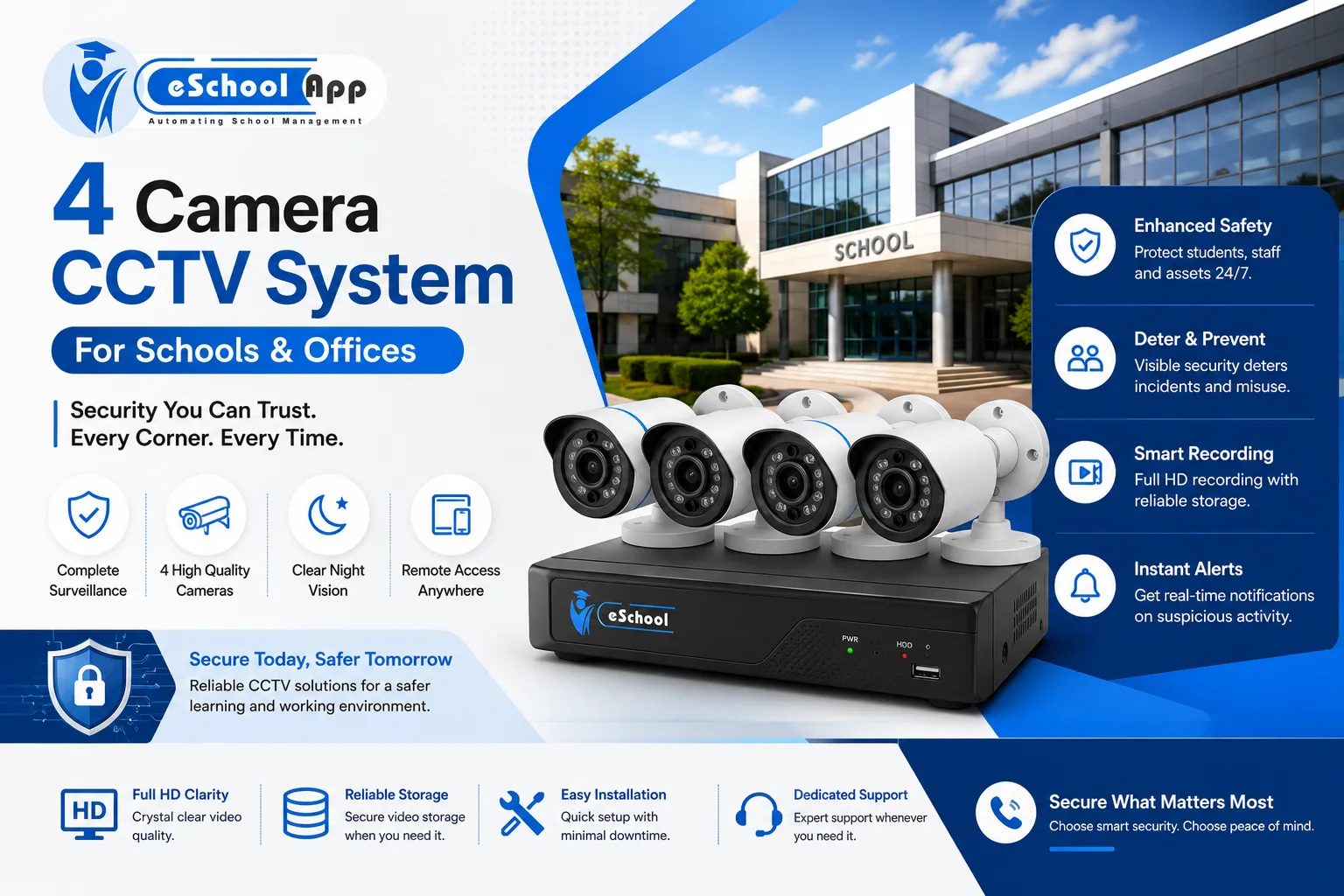
A four-camera CCTV system is the smallest setup most schools consider, and for a single-building campus it is often enough to start with. The question is not whether four cameras are “good”, but whether four cameras placed well cover the points where problems actually occur.
This guide is written for school administrators and principals rather than for security installers. It covers what four cameras realistically cover on a campus, where they usually go, what drives the cost, and where camera footage sits alongside the records your school already keeps.
On this page
- What four cameras realistically cover
- Where the four cameras usually go in a school
- What to check before you buy
- What affects the cost
- Are home security cameras suitable for a school?
- Installation and placement in a school setting
- Where CCTV fits alongside your school records
- What CCTV cannot do
- Frequently Asked Questions
What four cameras realistically cover
A four-camera system is one recorder and four fixed cameras. That is enough to watch four defined points continuously. It is not enough to watch a whole campus, and it is worth being clear about that difference before buying.
Four cameras work well for a school with a single entrance, one main corridor and a compact outdoor area. A campus with several blocks, more than one gate, a hostel or a large playground will need more, or will need to accept that some areas are simply not covered. If you are weighing up a wider installation, the broader picture is covered in our guide to school security systems.
The most common mistake is buying for the number of cameras rather than for the list of places that need watching. Write the list first.
Where the four cameras usually go in a school
Where schools place four cameras tends to follow the same logic: cover the points where people enter and leave, and the points where incidents are hardest to reconstruct afterwards.
- Main gate or entrance. The single most useful camera in any school. It records who arrives, when, and with whom.
- Reception and visitor area. Pairs directly with your visitor log, so an entry in the register can be checked against footage.
- Main corridor or stairwell. Corridors are where movement between classes concentrates, and where most minor incidents happen.
- Playground, assembly area or parking. The outdoor point where students gather unsupervised for part of the day.
Two placements are worth avoiding. Cameras pointing directly at a bright window or gate will silhouette anyone walking towards them, which makes faces unusable. And cameras inside classrooms raise questions about staff and student privacy that most schools would rather not open without a clear policy and staff consultation.
What to check before you buy
Specifications matter less than most sales conversations suggest. These are the points that determine whether footage is actually useful six months later.
- Resolution at the distance you need it. A camera that resolves a face at three metres may not at fifteen. Ask for sample footage from a comparable distance, not a specification sheet.
- Night and low-light performance. Most incidents that require review happen outside teaching hours.
- Recording retention. How many days does the recorder hold before it overwrites? This is a policy decision as much as a hardware one.
- Who can view the footage. Named accounts rather than one shared password, and a record of who accessed what.
- Weather rating for outdoor units, and where the recorder itself is physically secured.
- Support and maintenance. A camera that has been offline for three weeks records nothing. Ask how faults get reported and how quickly they are attended.
Ask any supplier for a written quotation that separates equipment, installation, cabling and ongoing maintenance. A single figure hides where the cost actually sits.
What affects the cost
Prices move constantly and vary by region and supplier, so any figure quoted in an article ages badly. What is stable is the list of things that move the price:
- Camera type and resolution
- Recorder capacity, which sets how many days of footage you keep
- Cable runs and how difficult they are in an existing building
- Indoor versus outdoor and weatherproofing
- Whether remote viewing is included, and what it needs on your network
- Installation labour, and whether maintenance is included or billed separately
Retention is the factor schools most often underestimate. Doubling how long footage is kept means a larger recorder, and that decision is easier to make before installation than after. Our article on what school security costs works through the same trade-offs across a full campus.
Are home security cameras suitable for a school?
Home cameras are cheaper and easier to install, and for a very small setting they can work. They tend to fall short for schools in three ways.
They usually store footage in a consumer cloud account, which means student footage sits with a third party under terms the school did not negotiate. They are typically tied to one personal account rather than role-based access, so a staff change becomes a handover problem. And retention is often short, or dependent on a subscription that can lapse quietly.
For a school, ownership of the recording and control of who can view it usually matters more than the price difference.
Installation and placement in a school setting
Install during a holiday period if you can. Cabling through occupied corridors is slow and disruptive, and rushed installation is where placement mistakes get made.
- Walk the route with the installer before any cable is pulled, and agree each camera’s field of view on site rather than on a plan.
- Mount high enough to be out of reach, but angled low enough that faces are captured rather than the tops of heads.
- Put the recorder in a locked room, not the reception desk. The recorder is the part worth stealing.
- Check the view again once trees are in leaf and once furniture has moved back into place.
- Display clear signage that recording is in progress, at every entrance.
Our guide to setting up school security covers the wider installation sequence, including access control and visitor logs.
Where CCTV fits alongside your school records
Cameras are hardware, and they sit outside your school management system. eSchoolApp does not supply or install cameras. What it does hold is the written record that footage is usually checked against.
Most reviews of footage start with a question that comes from a record, not from the camera: who signed in at reception that morning, which students were marked absent, which bus reached the gate at what time. Footage confirms or corrects the record; the record is what makes footage searchable at all.
- Attendance records give you the roll for the day and time in question.
- Parent communication gives a log of what was sent to families and when.
- Transport records give route and arrival information for gate incidents.
- Visitor logs give the name a face at reception should match — see our guide to the visitor management system.
Treating the two as one system is where schools get value. Treating cameras as a substitute for record-keeping is where they get an expensive archive nobody can search.
What CCTV cannot do
Cameras record. They do not supervise, and they do not prevent much on their own. A school that installs four cameras and changes nothing else has bought a way to review incidents after they happen, not a way to reduce them.
They also create an obligation. Footage of students is personal data about children, and it needs a stated retention period, a named person responsible for access, and a policy on who may request a copy. Decide those three things before the cameras go up, not after the first request arrives. Schools working to CBSE requirements should also read our note on CBSE CCTV rules for schools.
Frequently Asked Questions
Is a 4 camera CCTV system enough for a school?
It is enough for a compact single-building school with one entrance, a main corridor and one outdoor area. A campus with multiple blocks, more than one gate or a hostel will need more cameras, or will need to accept uncovered areas. Count the points that need watching before counting cameras.
Where should a school place four cameras?
Most schools cover the main gate, the reception or visitor area, the main corridor or stairwell, and one outdoor area such as the playground or parking. Avoid pointing cameras into bright light, and treat classroom cameras as a separate policy decision.
How long should a school keep CCTV footage?
Retention should be a written policy rather than whatever the recorder happens to do. Set the period deliberately, size the recorder to match, and record who is permitted to view or export footage. Since the recordings are personal data about children, the policy matters as much as the hardware.
What affects the price of a 4 camera CCTV set?
Camera resolution, recorder capacity and therefore retention length, cable runs in an existing building, indoor versus outdoor units, remote viewing, and whether installation and maintenance are included. Ask for a quotation that separates those items rather than a single figure.
Does eSchoolApp supply CCTV cameras?
No. eSchoolApp is school management software. It holds the attendance, visitor, transport and student records that camera footage is normally checked against, but cameras, recorders and installation come from a security supplier.
Final thoughts
Four cameras, placed against a written list of the points that matter, will serve a small school better than eight bought on specification alone. Decide the retention period and the access policy at the same time as the hardware, and keep the footage connected to the records that make it searchable.
If you want to see how attendance, visitor and transport records fit together in one system, book a demo and bring the workflows your school actually runs.